Microsoft Office 2007
Microsoft Office 2007 Free Download for PC Windows 7/10/8, 32/64-bit introducing the new versions of Word, Excel, and PowerPoint

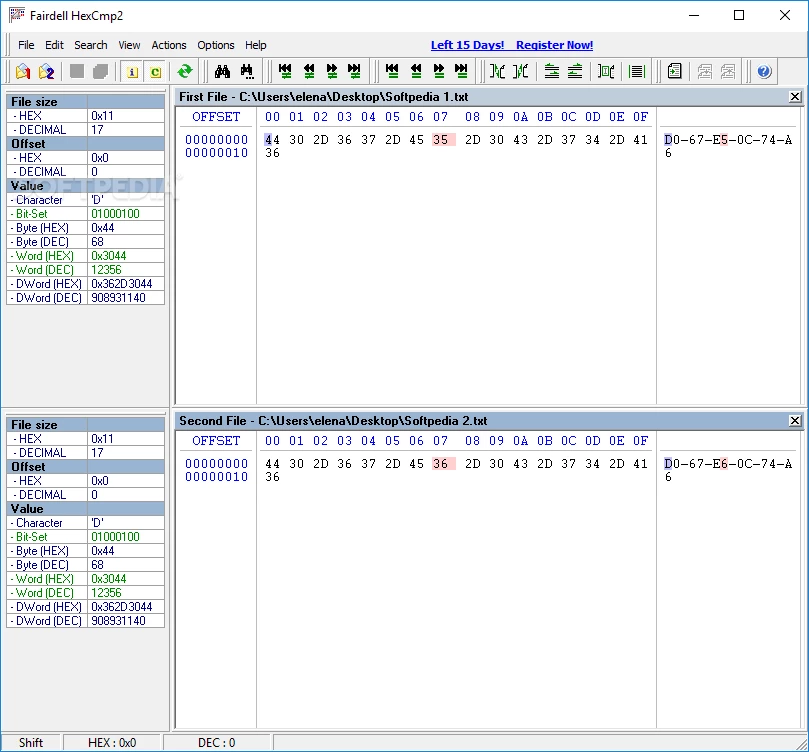
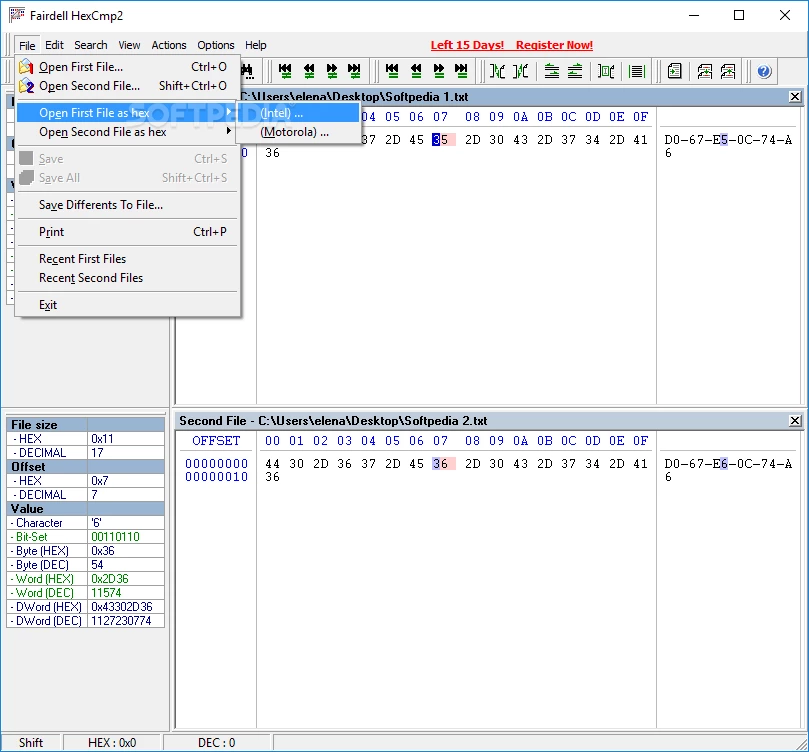

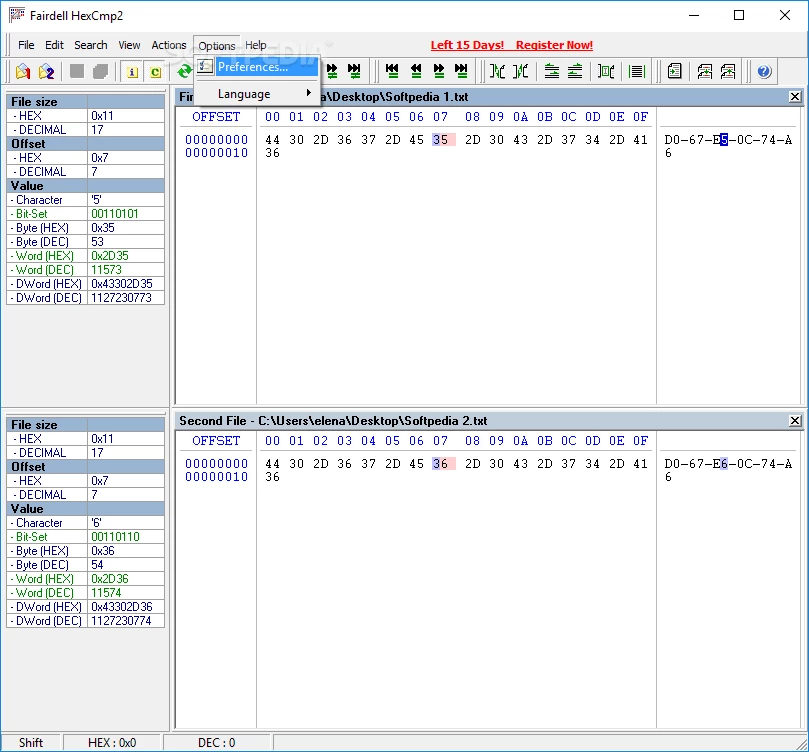
HexCmp 2 is a HEX editor that offers a graphical representation for comparing the hexadecimal code of two files. It is free to use and uses a binary format to compare files on the fly while using multiple advanced features.
The software is available for Windows PC and not only offers comparison for binary as well as text files, but also edit and modify files i.e. search, cancel, repeat, and multiple other standard editing functions. It is one of the best solutions for both commercial and individuals.
HexCmp 2 is a comparison and developer software developed by Fairdell Software. The tool is pretty well-designed and is specifically designed for Windows. It is a combination of a binary file compare app and a hex editor to allow users to compare not only binary but also text files on the fly.
It offers free of cost services for both businesses and home users. You can compare files up to 4 gigabytes and also edit them, highlight code, sync scrolling, and get information.
The interface is simple and offers quick navigation for different functionalities. Unfortunately, the Drag & Drop feature isn’t supported, so you have to use a file browser to open any file. The unfamiliar values are highlighted in red color in both files; simply click the value available in the hex code to take out useful info i.e. hexadecimal and decimal value, corresponding characters, DWord, and bit set.
You need to just sync the scrolling process to select the file you want, and highlight the required parts with your own color scheme. You have the option to redo, undo, and search functionalities, and save your differences to a separate file to reliably analyze them.
The app offers multiple customizing options such as customizing the toolbars, colors of code blocks, and fonts. The switch to a different language for the UI, and it is also possible to restore the settings to their default values.
You will find the support of multiple hotkeys while using your keyboard. It will make it easy to assign different commands and perform multiple tasks reliably, such as search, cancel, and repeat. Swapping of files and shifting of the current position to the left or right.
The free software belongs to the Help Tools program, and supports multiple languages ,including English, French, Korean, Czech, Polish, Dutch, Italian, Portuguese, Estonian, Russian, German, Slovak, Greek, and so on.
The program was specifically designed for the Windows operating system, so it is compatible with all types of Windows, including Windows 11/10/8/7, Windows XP, XP Professional, and Windows Vista.
It is a lightweight utility that consumes very little system storage while offering a good response time. It supports keyboard shortcuts and is equipped with user documentation. It is a simple, fast, and smooth utility without any type of issue i.e., freezing, crashing, or pop-up.
Pros
Cons

Microsoft Office 2007 Free Download for PC Windows 7/10/8, 32/64-bit introducing the new versions of Word, Excel, and PowerPoint

Adobe Reader offers quick functionality for viewing and annotating PDF files.

iLovePDF, the quick way of reading, editing, and converting PDF files

Microsoft Office 2010 has multiple editing and visualization features

Microsoft Excel has enhanced and powerful data-analyzing capabilities

Microsoft Office 2019 is a comprehensive suite of productivity apps